

Overview
Service providers require systematic lead management to convert inquiries into revenue. Manual follow-up is inefficient and prone to human error. Automation ensures consistent communication. This guide outlines the technical implementation of an automated lead follow-up system using WordPress and Zoho CRM.
Step 1: Define Lead Strategy
Establish the parameters of a lead. Identify necessary data points for qualification. Common data points include name, contact information, service type, and project timeline.
Define the follow-up sequence:
- Immediate: Acknowledge receipt of inquiry.
- 24 Hours: Initial personalized outreach.
- 72 Hours: Secondary value-based touchpoint.
- 7 Days: Final follow-up or status update.
Establish a lead pipeline with clear stages: New, Contacted, Qualified, Quote Sent, and Won/Lost. Amaryllis Digital Studio provides pre-configured lead capture systems to facilitate this planning phase.
Step 2: Connect WordPress and Zoho CRM
Integration bridges the gap between website traffic and the database. Use an integration tool or plugin to transmit data from WordPress forms to Zoho CRM.
Technical requirements:
- API Authorization: Authenticate the WordPress plugin with the Zoho API Console.
- Field Mapping: Match WordPress form fields to corresponding Zoho CRM Lead module fields.
- Secure Transmission: Ensure SSL encryption is active on the WordPress site.
Correct mapping prevents data loss and ensures accurate lead segmentation.
Step 3: Deploy Capture Forms
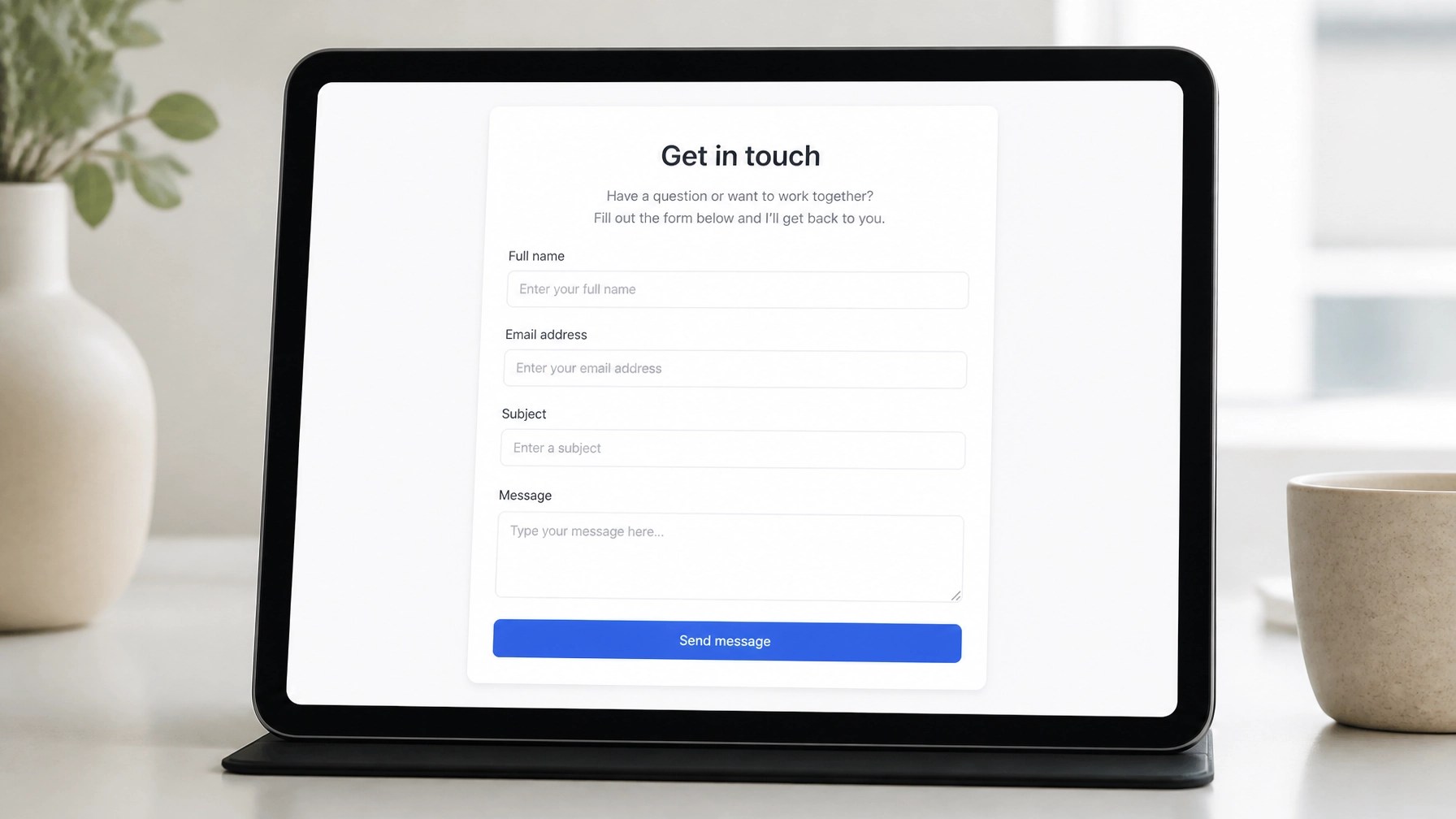
Deploy forms on high-traffic pages. Minimalist form design reduces friction and increases conversion rates.
Essential form elements:
- Contact Details: Email and phone number.
- Inquiry Specifics: Dropdown menus for service selection.
- Consent: Checkboxes for marketing communications.
Embed these forms using shortcodes or blocks provided by the integration plugin. Amaryllis Digital Studio offers WordPress-ready delivery for optimized form performance.
Step 4: Configure CRM Pipeline

The Zoho CRM environment must reflect the defined lead strategy. Customize the Leads module to include specific fields identified in Step 1.
Configuration tasks:
- Lead Status: Update picklist values to match the service provider's workflow.
- Custom Views: Create filters for "New Leads Today" or "Pending Follow-Up."
- Assignment Rules: Implement rules to assign leads to specific team members based on service type.
Structured data within the CRM allows for precise automation triggers.
Step 5: Establish Automation Workflows
Workflows execute actions based on specific triggers. Use the Zoho CRM Workflow Rules feature.
Primary automation triggers:
- Rule Trigger: Execute on "Record Creation."
- Condition: "Lead Source is Website."
- Instant Action: Send automated email template and create a follow-up task.
- Scheduled Action: Send a check-in email 48 hours after the trigger if the status remains "New."
Testing is mandatory. Submit a test form and monitor the CRM to verify the execution of all workflow steps.
Summary
Automated systems eliminate manual entry and ensure prompt lead response. Implementation requires strategic planning, secure integration, and structured CRM workflows. Small businesses can scale operations by delegating lead management to these automated systems.
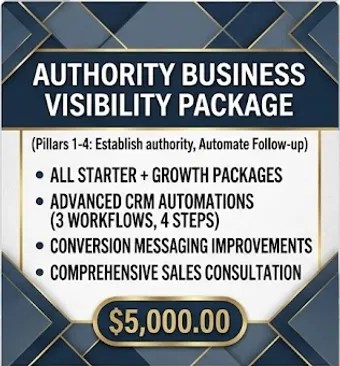
Scale your business with the Authority Package
Leave a Reply